Text Message Updates
Sheen Mobile Auto Detailing LLC texts only customers who ask for it when they book, and replies to people who text us first. This page shows exactly how you sign up.
How you sign up
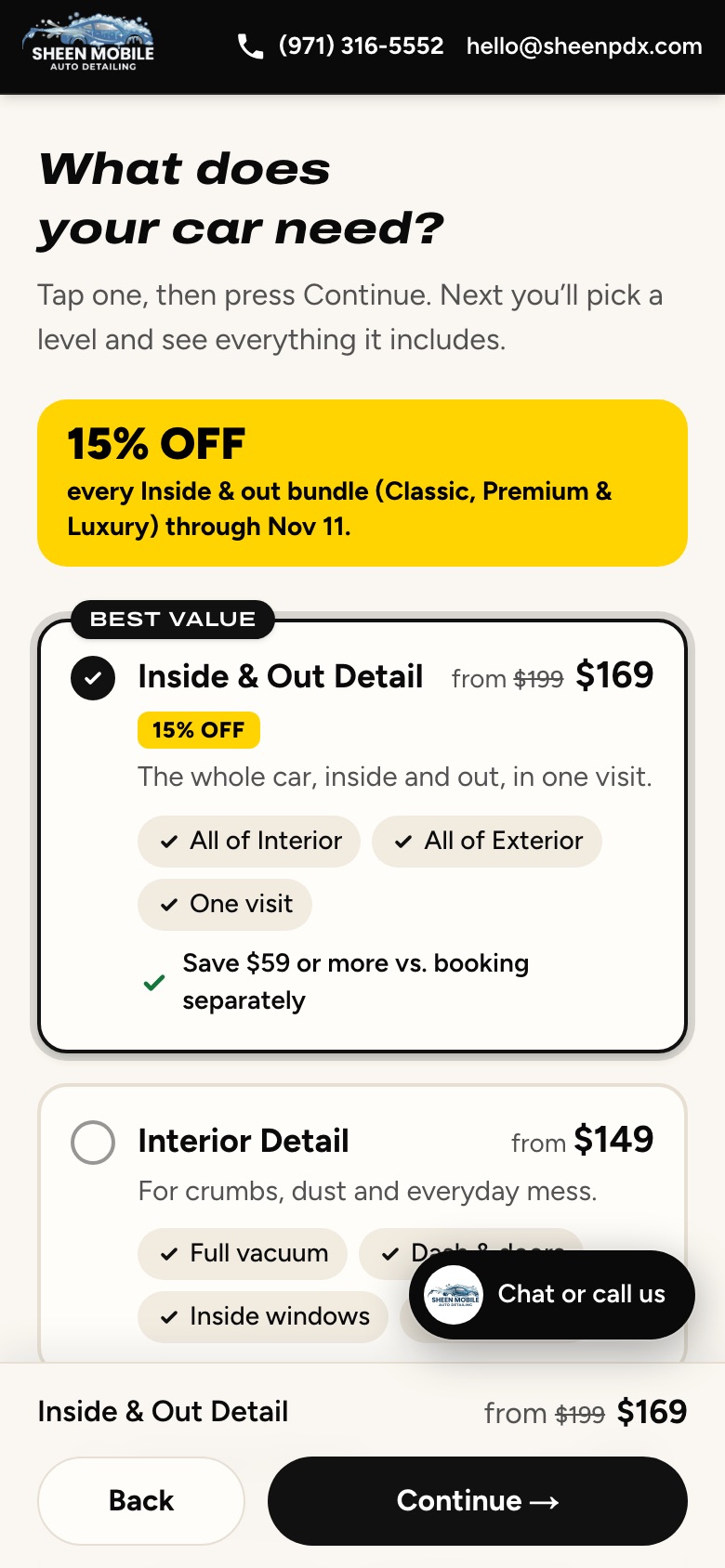
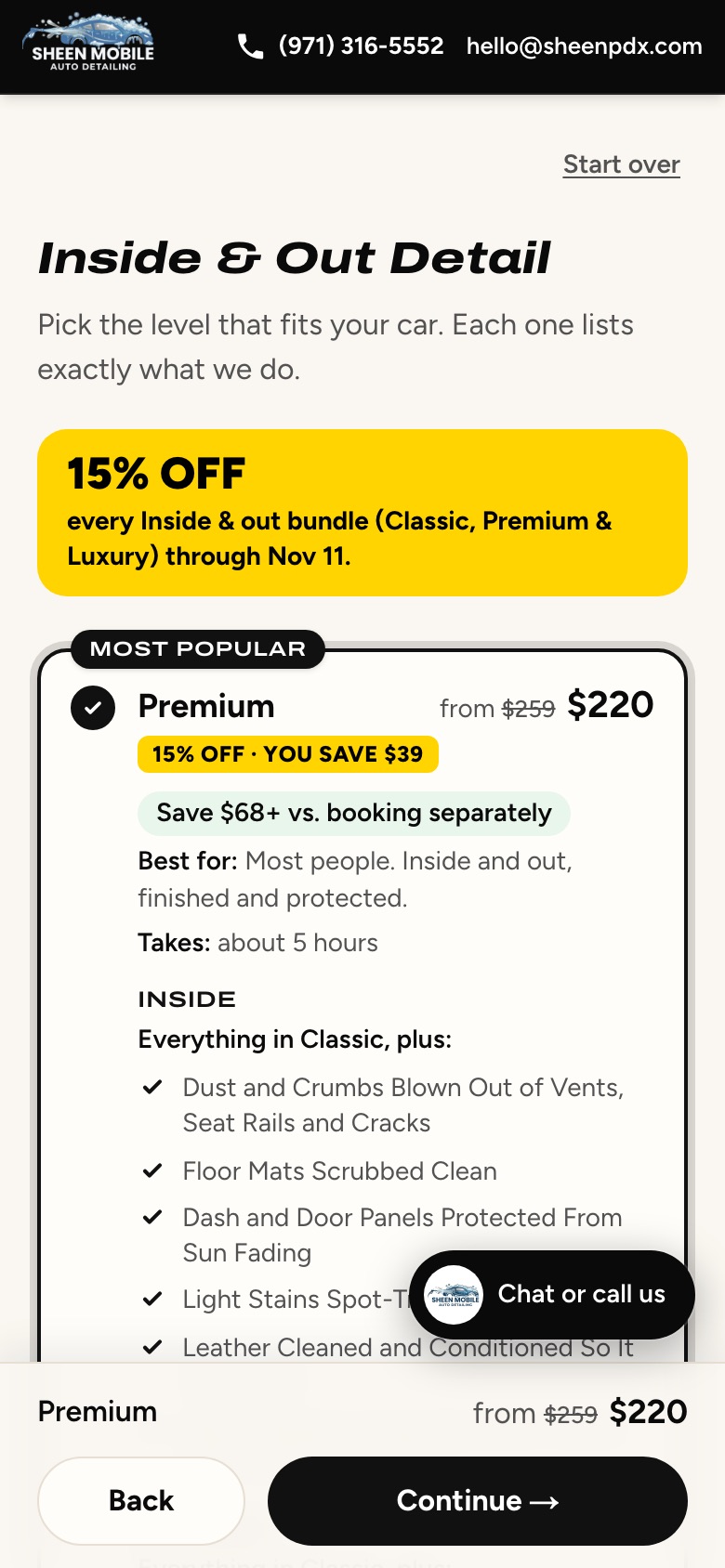
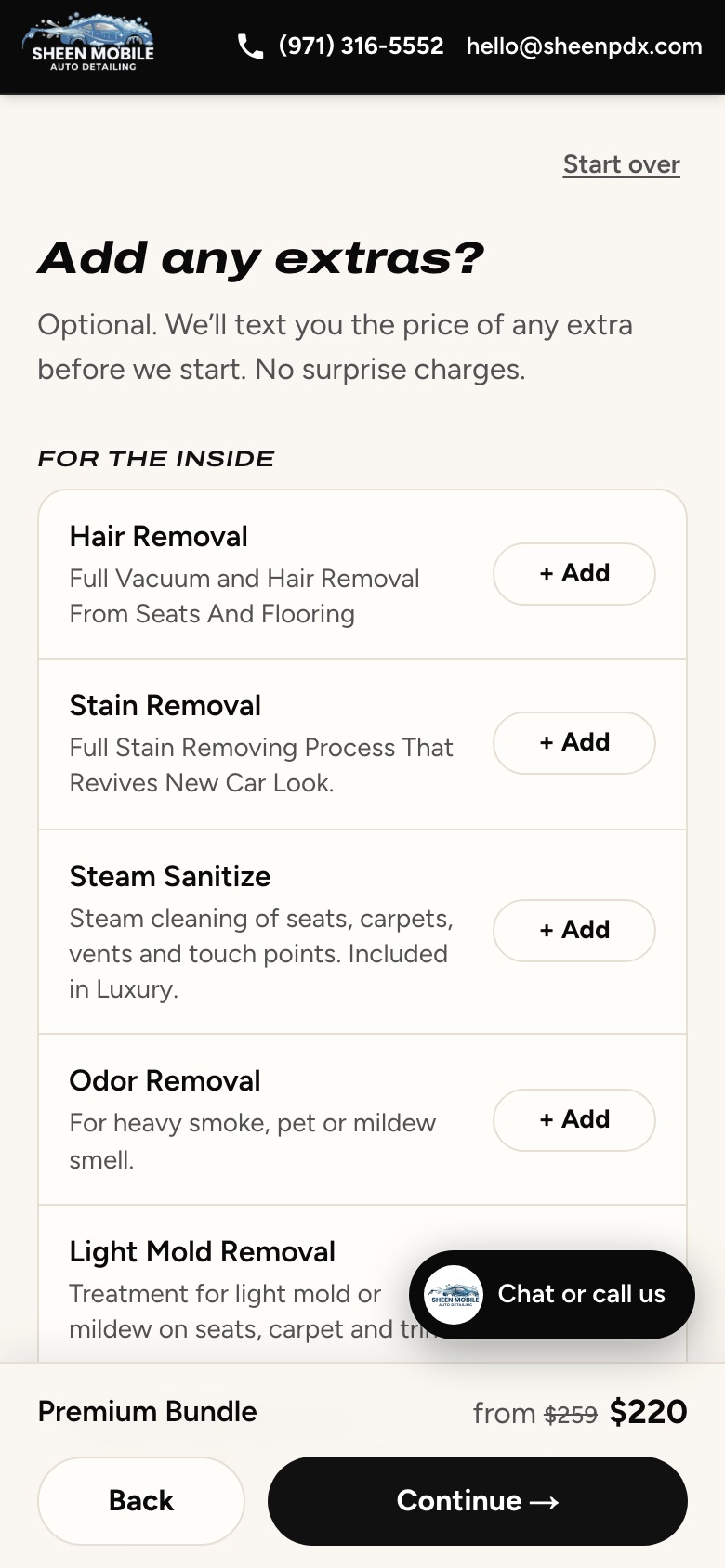
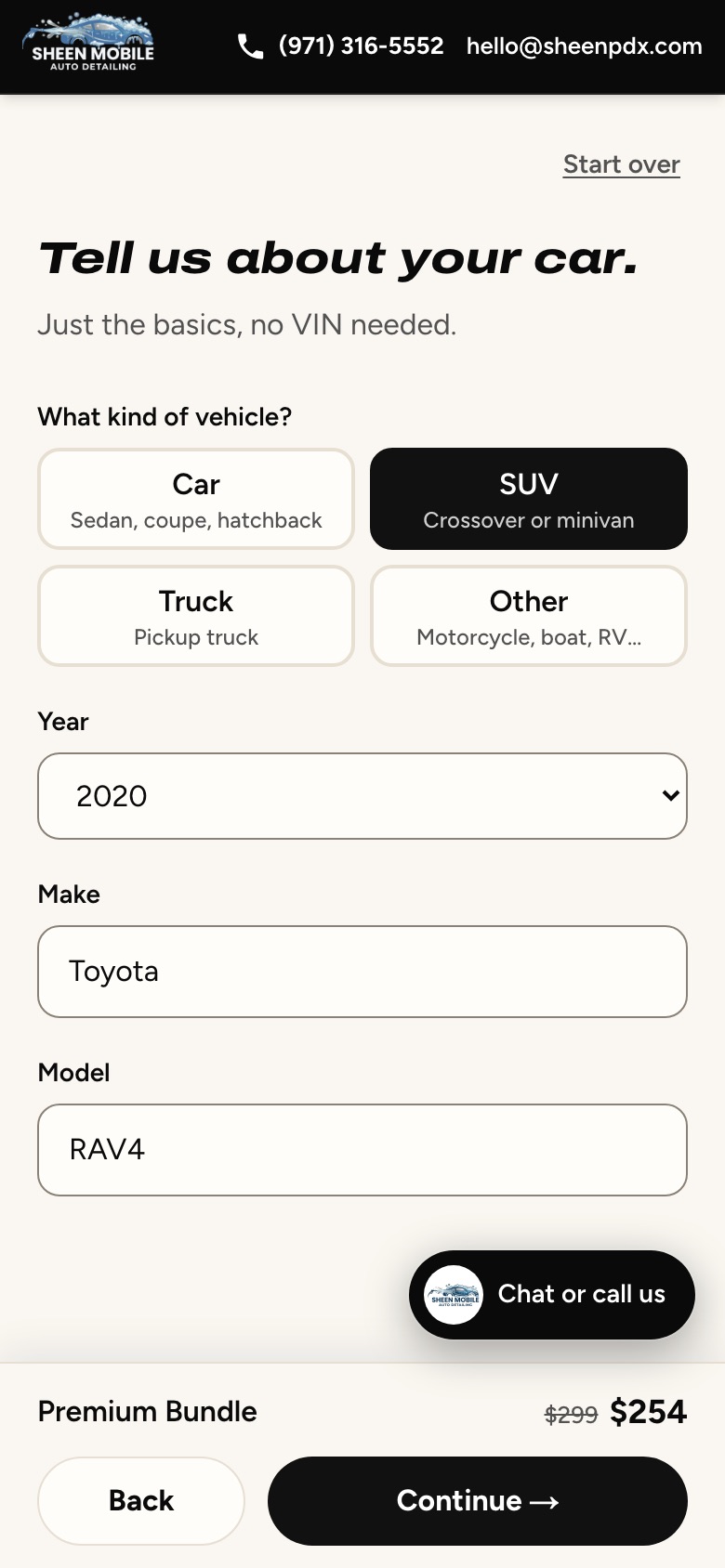
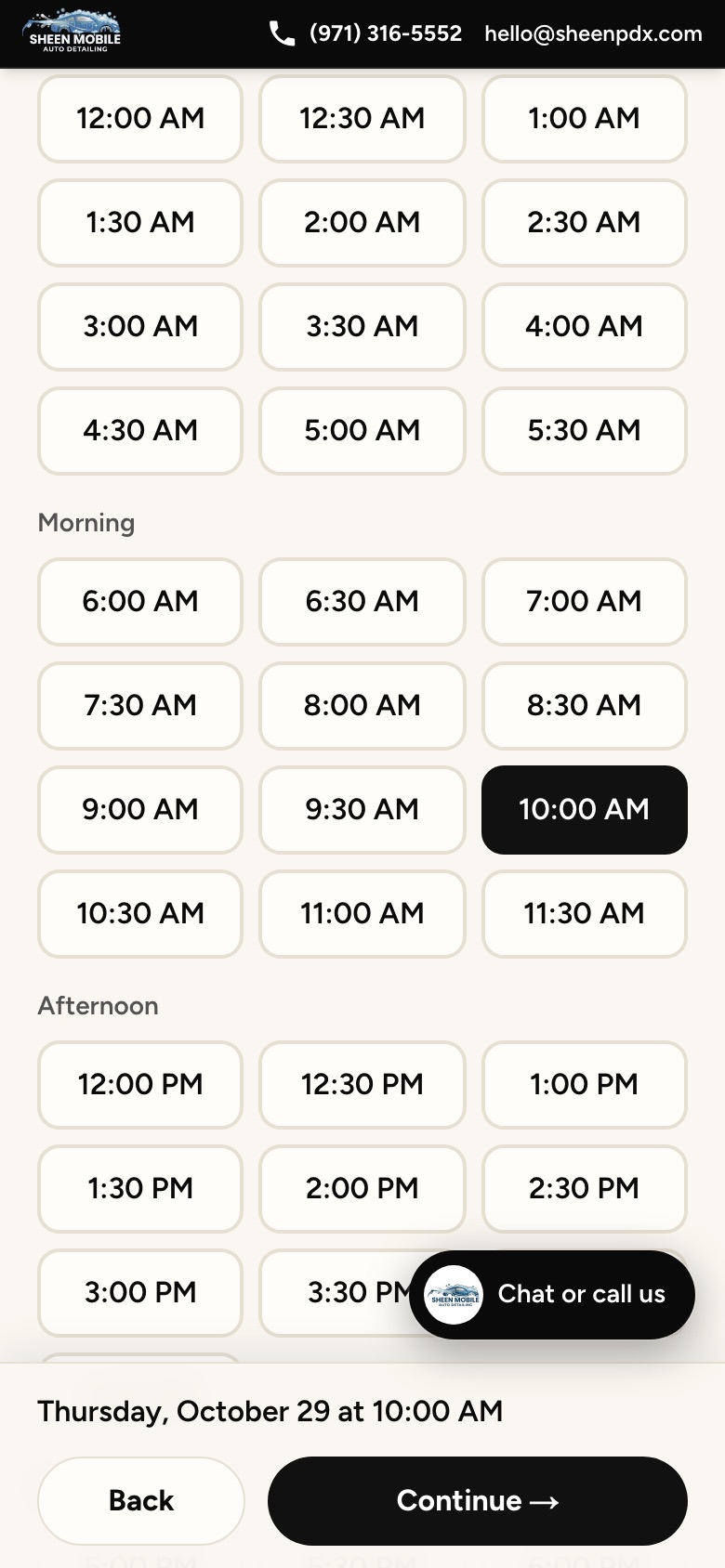
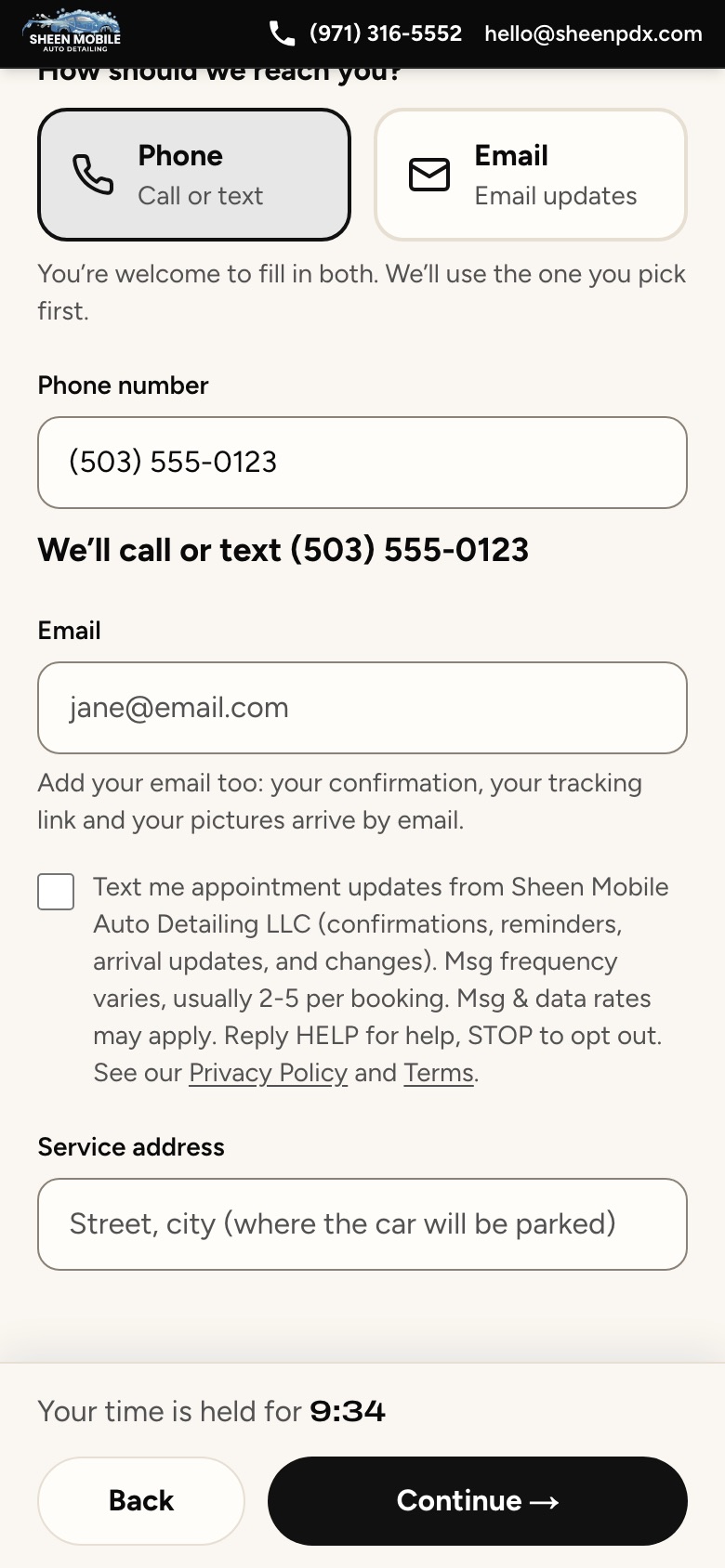
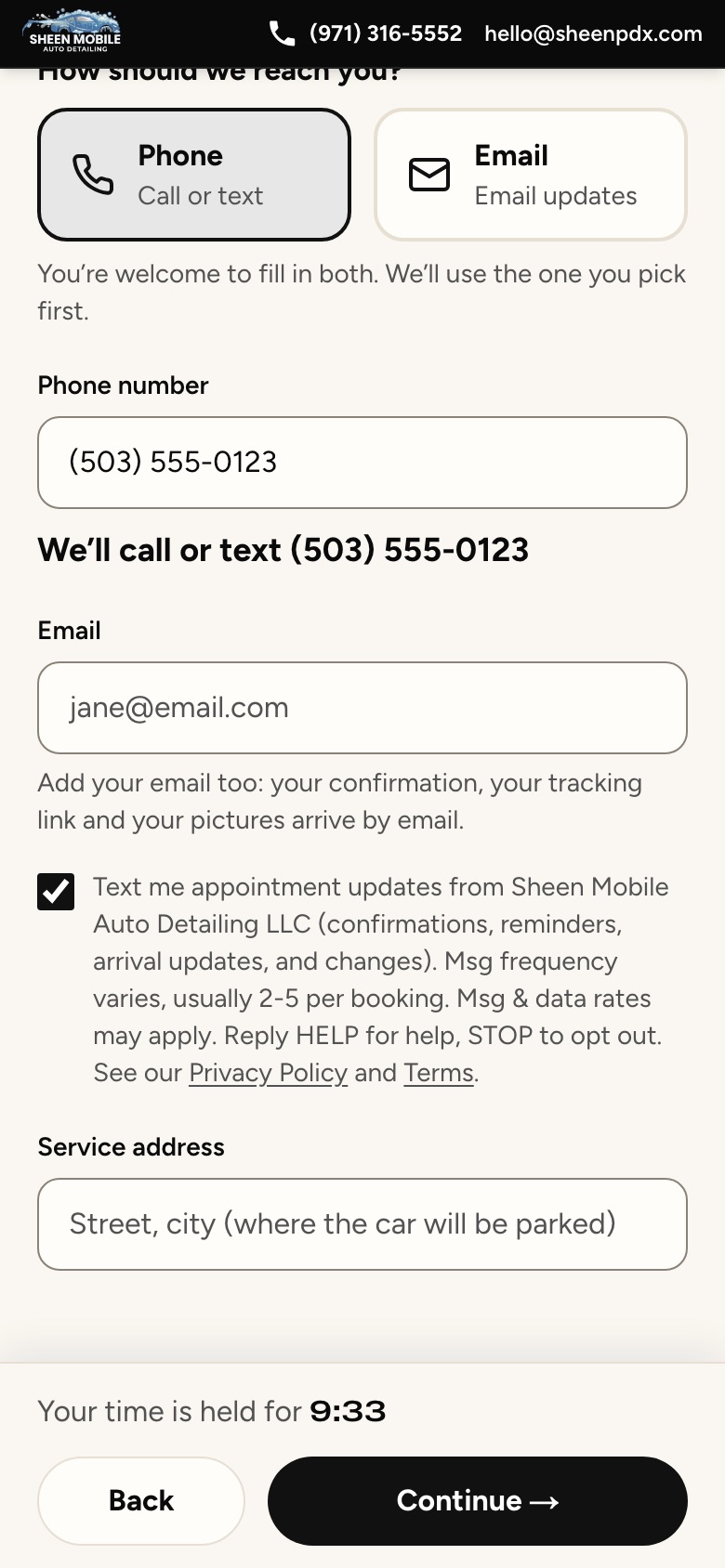
Texts are optional. On our booking page, sheenpdx.com/book, you choose your service, level, any extras, your vehicle and a time. On the last step (“Almost there.”), once you type a mobile number, an unchecked box appears under your contact details. We text you only if you tick it, and you can book without it.
The exact wording next to the box
Text me appointment updates from Sheen Mobile Auto Detailing LLC (confirmations, reminders, arrival updates, and changes). Msg frequency varies, usually 2-5 per booking. Msg & data rates may apply. Reply HELP for help, STOP to opt out. See our Privacy Policy and Terms.
What we send
- Your booking confirmation.
- A reminder the day before.
- “We’re on our way”, with a link to track us.
- Changes or cancellations to your booking.
Usually 2 to 5 messages per booking. Message and data rates may apply. No promotional or marketing texts. If you text (971) 316-5552 first, we only reply to your messages.
Stop or get help
Reply STOP at any time and we’ll confirm you won’t get more texts; reply START to sign up again. Reply HELP for help, call (971) 316-5552 or email hello@sheenpdx.com.
Your number stays private
We do not share, sell, or rent your mobile number or text messaging consent with third parties or affiliates for marketing or promotional purposes. See our Privacy Policy and Terms.
Every step of the booking page